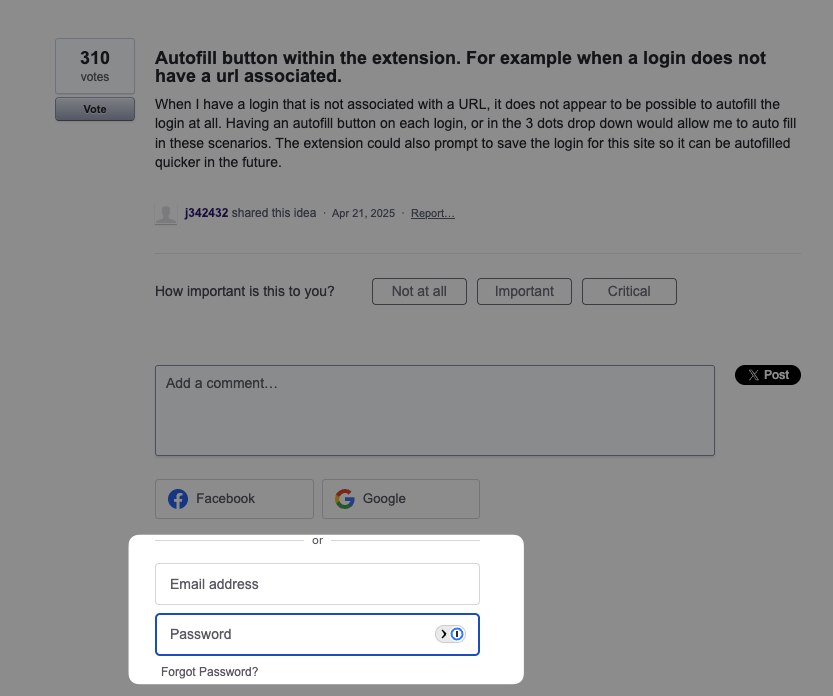
Autofill button within the extension. For example when a login does not have a url associated.
When I have a login that is not associated with a URL, it does not appear to be possible to autofill the login at all. Having an autofill button on each login, or in the 3 dots drop down would allow me to auto fill in these scenarios. The extension could also prompt to save the login for this site so it can be autofilled quicker in the future.
 j342432
shared this idea
j342432
shared this idea
-
Colin Miller commented
It's insane that there are comments on this request from 3 years ago and it hasn't been implemented yet. This is a really critical feature. I'll stick with ProtonPass for now, but might have to go back to bitwarden depending on how this one plays out in the next few months.
-
Steve Henry commented
In password manager browser extensions such as Bitwarden, an Autofill button appears when you open a login item from the vault view. This is especially useful for entries that lack an associated https://mypoliceclearance.ph/ which normally prevents automatic matching and suggestions on the current page. Clicking the button fills the username and password fields on the active website; many extensions also offer an “Autofill and Save” option that simultaneously adds the current page’s URL to the login for future automatic matching.
-
 Marc H
commented
Marc H
commented
I can't believe this isn't a feature.. I 100% made a mistake switching from Bitwarden.. I should have done my research first...
-
 Domantas
commented
Domantas
commented
If this ever gets picked up, please think of how this plays with phishing. I would still want to recommend proton pass for everyday people, not just the technical ones.
-
Meho Muiki commented
Yes this should be accessible from the notification tray icons (where wifi, bluetooth and other buttons are) on android, just like bitwarden does. It is not just a qol feature, it is critical and a reason why i am switching back to bitwarden after playing with proton pass for few days. Hope to be able to come back, once this is implemented.
I don't think proton can poach a single bitwarden user while this is still missing
-
王劲 commented
I have always believed that this is a very important feature. After switching from the Bitwarden password manager, I was even unable to use it without the auto fill option because there were some password login boxes in my local development environment that were not designed according to standard specifications, resulting in many login boxes not recognizing credentials correctly. At this time, I had to manually search for entries from the plugin and paste usernames and passwords one by one. This was a nightmare for me, as it changed from efficient clicks to manual copy and paste, which made me feel the urge to unsubscribe from Proton membership. However, I still chose to keep it and believe that it can be further optimized in future versions. If I do not receive the necessary functional support for a long time, I may consider replacing it. Free Bitwarden Password Manager Solution
-
 bdz
commented
bdz
commented
Another vote on this one, and it's a reason I'm considering switching back to BitWarden. Protonpass has several sites that it doesn't autofill that bitwarden did, and for those it's critical for me to be able to fill them WITHOUT using the insecure clipboard.
-
 foobarbuzzemann
commented
foobarbuzzemann
commented
Totally need this feature. Coming from 1Password I often used this. I also miss the "open and fill" feature from 1Password that as the name implies opens the website, fills in the credentials and signs in automatically.
-
 whatismyname
commented
whatismyname
commented
This is the most important missing feature of any proton service for me
-
 JonC
commented
JonC
commented
Copying via clipboard is INSECURE - need a secure auto-fill to preserve the encrypted safety of Proton
-
 Peter
commented
Peter
commented
Need this! It is quite common that a login created on a website for example will not be recognized when logging in through the associated app (or vise versa). In BitWarden you can search your vault and auto-fill the login, and it gives you the option to either do it one time or remember and always associate that login with the modified URL provided by the app. This is VERY useful, and will be a big pain point until it is enabled.
-
 SiliM
commented
SiliM
commented
Coming from 1Password, I find myself mousing over the entry in the browser extension which had the autofill link. Then having to copy and paste the credentials is frustrating. +1 for this functionality.
-
Utkarsh Raj Singh commented
This is a major missing feature. Right now I have to copy username and password into clipboard and then copy if URL does not pick up. Bitwarden has had it for years. This needs to be added ASAP!!
-
 steb
commented
steb
commented
this is a VERY important feature, now I have to copy the password to clipboard for everyone to see, like the opposite of a password manager
-
 Peter
commented
Peter
commented
1Password has a hot key function that lets you fill passwords in other apps than purely in the browser. It would be extremely helpful to have this in Proton Pass too.
-
 Parker Tyler
commented
Parker Tyler
commented
This not being a feature is one of many small annoyances with Proton that are quickly becoming a bigger problem.
-
 Sazzad Kabir
commented
Sazzad Kabir
commented
Bitwarden has this option, and it has an option to update the entry with the URL so next time it will automatically recognize the entry
-
 Linus A
commented
Linus A
commented
Totally agree - I switched from Bitwarden which has the "fill" buttons and also autofill & save.
Now considering to refund Proton Pass because it lacks this
-
 pr
commented
pr
commented
**This issue manifests on UserVoice itself.** The main login form isn't recognized by Proton Pass (while 1Password does), yet the sidebar login form works fine. The extension toolbar button also correctly auto-selects my credentials when clicked, but unlike 1Password, there's no way to trigger autofill from there. Please note I have to use both due to work policies.
Screenshots:
https://pngup.com/NyIE/proton-autofill-no.png
https://pngup.com/ERI0/proton-autofill-yes.pngThis inconsistency proves why a manual "fill" button is essential: form detection will never be 100% reliable, so users need a fallback to force autofill when detection fails.
-
 Gordon Shannon
commented
Gordon Shannon
commented
This is a great idea. Maybe another option would be if I could pin the plugin so it doesn't disappear between the userid page and the password page, forcing me to reopen the plugin for the password. Though that might be out of Proton's control.