
Proton Mail & Calendar
973 results found
-
Improvements Needed: Email Subject Line and Font Size in ProtonMail
I would like to draw the PM designers' and developers attention to the fact that the current ProtonMail app email view displays the subject line in the middle of the screen instead of on the left side. Additionally, the font size is considerably large, with the subject line and sender information taking up almost half of the screen, which looks unappealing. I request the ProtonMail team to change this by reducing the font size and aligning the subject line to the left side. I believe these changes will save significant screen space and enhance the email view. Thanks.
2 votes -
Is it possible to Preview Excel contacts before converting to VCF?
Yes, there are ways to preview Excel contacts before creating VCF files. Tools like ToolsBaer Excel to vCard Converter make the process easier by displaying a complete preview of all contacts before conversion, ensuring accuracy, and showing all mistakes. This helps you to verify names, phone numbers, emails, and other details before converting Excel to VCF format. The technical tool works on all Windows versions, from 11 to 7. Also, supports all Excel and vCard versions like 2.1, 3.0, and 4.0. No need to learn technical knowledge for converting an Excel file to vCard format.
2 votes -
Automatically load remote content through Proton VPN
For the load remote content, why not have proton mail automatically load them through Proton VPN? This would be really useful and convenient instead of having to manually enable proton vpn on the browser if viewing through mail.proton.me, or system-wide vpn/split tunneling. apple mail does this for you
2 votes -
Better handling for known-dangerous email sent to a compromised address
TLDR: Please give us a better option for handling email that is almost certainly dangerous, ie in my case email sent to an address that only receives dangerous email. Some suggested ideas at bottom.
I have a [service]@[myname].com email address, which I used many years ago to sign up for a service that is now defunct. It's one of many, many catch-all email addresses that I use on that custom domain.
Many years ago that email address was part of a hack/leak. I now regularly receive phishing email, or emails with surely-dangerous PDFs, to that address. No legitimate email will…
2 votes -
Make it possible to use both simultaneously on desktop
It is absurd that you cant see the calendar and the mail at the same time. Means you have to open one or the other in the browser so the app is superfluous!!
4 votes -
If a user is using the Proton Mail PWA app on a mobile device, there is no need to show them ads for the Proton Mail mobile app
Currently, this ad is shown to the user, which is absurd, since they are already using the mobile app of this service.
3 votes -
Ability to toggle background while replying
Currently it is possible, when in dark mode, to toggle an individual email to light mode this can help view certain emails. Unfortunately the same isn't true when replying to an email and it doesn't retain the setting you may have applied in the previous screen.
2 votes -
Proton Calendar app is extremely slow
The calendar takes about 10-15 seconds to load. During that load time, it says “no events” for every day, which obviously misleads me when trying to take a quick glance at my calendar for the day.
Additionally, creating a new event is unbearably slow. When I tap the + symbol in the iOS app to create a new event, it takes about 20-30 seconds for the menu to even pop up. In the meantime, the app is just completely frozen. When it finally opens, it takes another 20-30 seconds after clicking “Save” for it to actually save. Again, the app…
2 votes -
Show the current folder selected emails are in
When I select multiple emails, some emails might already be in a folder.
This is not shown in the Folder pull down menu.This can be done by showing these folders above or below the standard folder list.
This will safe quite some time from searching the right folder.
2 votes -
iOS Lock Screen: Option for Newer Reminder Banner to Replace Older Banner (for Same Event)
I often set multiple reminders for a single calendar event, and the reminder banners accumulate and don’t disappear on their own after the event is over. It gets very messy on the Lock Screen to have, for example, 5 banners for Event A (past) mixed in with 3 banners for Event B (future), and I have to manually sort through them to dismiss only the Event A banners.
I would like (1) an option for the newest Event B reminder banner to replace any older existing Event B reminder banner, and (2) an option for banners for past events to…
2 votes -
Direct Event Access from Month View (Pop-up/Zoom)
Streamline access! Currently, clicking a day in the month view switches to the "day view." We suggest opening a quick pop-up (zoom) listing that day's events instead. Click, preview, done. Fewer clicks, better efficiency!
2 votes -
Proton Calendar - Support for Serbian public holidays
Hi!
I've been using Proton services for quite a while now. I would really like to see Serbian public holidays added to the Proton Calendar since that's the main calendar I'm using now.
That's the only feature I'm currently missing from Google Calendar -> Serbian public holidays.
Appreciate your hard work! Thanks and cheers.
2 votes -
In the confirmation prompt, tell which folder we are deleting all emails from (emptying).
In the confirmation prompt, tell which folder we are emptying.
Currently, when we empty the trash, it says:
"Delete all messages
All messages stored in this folder will be permanently deleted.
Are you sure you want to delete all messages in this folder?"I would like that "this folder" be replaced by "trash".
Also in the other folders it says:"Are you sure you want to move all messages in this location to trash?"
I would like that "this location" be replaced by "<name_of_the_folder>".
This to prevent costly mistakes.
Microsoft Outlook does this, for one.4 votes -
SMTPUTF8 Support for sending emails via protonmail.ch
It's possibly been mentioned previously (although I couldn't find it with a cursory search), but how about adding SMTPUTF8 support for the SMTP relay(s) at protonmail.ch?
Obviously not a critical or important issue as such, just as "nice to have" so some mail formats will display properly without being mangled in conversion.
2 votes -
move to folder - button focus for keyboard nav
In the web interface, I can navigate labels via the keyboard, set them, then just hit enter and it will focus the button and apply them.
When moving a mail to another folder I can navigage which folder to move to with the keyboard, but hitting enter does not focus on the button and I need to reach for the mouse.
Auto focus for keyboard navigation in the same way as the label popup would be nice to have.
3 votes -
Proton app customization
Allow the ability to customize proton mail with proton app icons. They would be where they currently are. You could also turn off ones you may not want. This would allow you to have the ability to access all of protons apps, but all in one place. You could also add a drop down menu and select the proton app you want to open.
4 votes -
Drastically Improve Preview Text (Very Simple Fix)
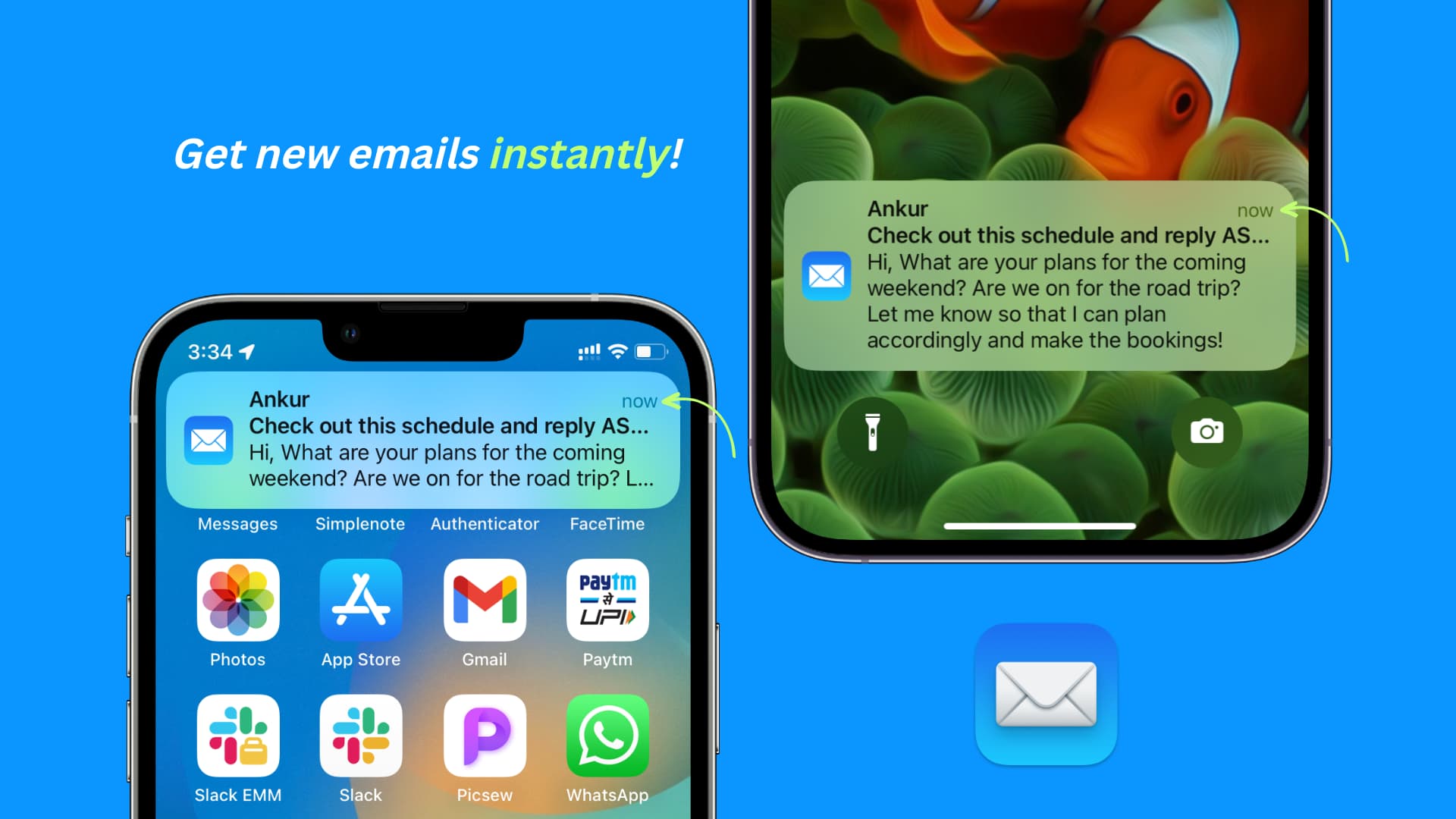
This is SUCH an unbearably simple, easy, and game changing feature (I have no idea why it hasn't been implemented yet). This primarily relates to the iOS app, but the web app can use improvements too.
Please allow for multi-line previews! An optional 4 to 5 lines of preview text from the email would be great.
Why in the world would you forcefully limit notifications to an incredibly uninformative mere line or two?
You can't even read the content of emails at a glance because the default preview is so horrendously limited (and it looks ugly as **** in general…
2 votes -
Allow connection to password protected .ics links
We currently can't connect calendar subscription that are password protected.
I can't link my university schedule to proton calendar because of this issue.
4 votes -
Fix Delete Email Functionality in Android App
When you have an email open in the app and delete it after reading, you are returned to your inbox and many times the email you supposedly just deleted still appears in your inbox. Refreshing the view does not resolve the issue. It doesn't happen every time, but more often than not. From what I can recall, this has been an issue since release.
4 votes -
Improve email filters for correspondents
Simple improvement: please add an option for "to, from, or cc" so that no matter how an address appears it will trigger the filter. this will eliminate the need to create multiple filters for the same address or criteria.
thanx and keep up the good work!5 votes

- Don't see your idea?