
Proton Mail & Calendar
2369 results found
-
Pinned emails in Inbox Feature!
I see this feature request has periodically been posted all the way back to 2015. I am reposting as a brand new user migrating from Outlook. This was an Outlook feature I used every day, multiple times a day. I pin current bills and other important emails to the top of the Inbox so I do not overlook them or forget to check a folder or search for stars. By far, this would be one of the most useful and important upgrades there could be to Proton Mail. Happy to provide more details if needed. Thanks so much! PS- stars…
5 votes -
Feature Request: Keep Selected Folders Available Offline
It would be very useful if Proton Mail allowed users to mark specific folders as always available offline. The app should automatically synchronize and maintain the latest version of all emails in that folder, including all attachments, so the complete folder contents are accessible without an internet connection.
A practical example would be traveling: before a stable internet connection is available, users could already access all important travel-related information such as booking confirmations, tickets, or reservations. This would also be valuable when users know they will be in a location without connectivity for a period of time. They could rely…
5 votes -
Search within move to
I use Proton Mail version 1.13.3 on my Mac, and it is easy to move emails into folders using the search function (Filter folders).
This feature is not available on the mobile app for iPhone and iPad; you have to scroll through the folders to get there.5 votes -
Feature Request: Select existing Proton Meet Rooms when creating a Calendar event
Summary
When creating a new calendar event, I'd like to be able to select from my existing Proton Meet Rooms as the meeting location, rather than only being able to generate a brand-new Proton Meet link.
Current Behaviour
In Proton Calendar's event creation dialog, the only Proton Meet integration available is "Add Proton Meet conferencing", which generates a fresh, one-off meeting link for that specific event.
Meanwhile, Proton Meet offers reusable Rooms (both a personal meeting room and custom rooms you can create under "My rooms"), each with a permanent link. However, these Rooms are not…
5 votes -
Duplicating events on mobile
I would like to be able to duplicate events on the mobile app like the Windows desktop app. I have appointments that reoccur on an irregular schedule and I am scheduling the appointments when I am not at my computer. My current workaround is to write the appointment down with pen and paper and hope I remember when I get home. I have forgotten to copy the pen and paper reminder into my Proton Calendar and missed appointments as a result. Kinda defeats the purpose of a calendar app if I am missing appointments.
5 votes -
Quick-add sender to existing filter rules from inbox/message view via groups
Currently, managing multiple senders for a single filter rule is tedious. Using groups in filters can solve this. This would save significant time for power users managing multiple sender rules.
Use Case: I have a folder named "Travel" with a filter that moves all emails from expedia.com. Today, I receive an important email from a specific airline.
…Current Workflow: I see the email → Click three dots → Search for filter settings → Navigate to Settings → Open Filters → Find "Travel" rule → Edit Condition → Add special-airlines.com → Save. Proposed Workflow: I see the email → Right-click sender5 votes -
Allow mail filter rules to supercede spam rules
Currently received emails still arrive in Spam, even if there is a rule to delete them. This results in a cluttered Spam box. And Spam is something you need to check every few days to see if important emails were miscategorized.
Add a checkbox to mail filter rule settings that says it supercedes spam priority to prevent this problem. Gmail correctly does the mail filter rule check BEFORE the spam check, so emails arrive in the right place always.
5 votes -
customizable toolbar over emails
customize which functions appear on the toolbar at the top of received emails in Proton Mail. I should be able to choose which tool is more important for my needs. You would think that the print option should be visible and a redo or undo too as well. Labels and filters should be secondary and hidden instead.
5 votes -
Enforce Username Privacy via Primary Email Address Lockdown
As a Proton mail user,
I want all incoming mail sent to my primary Proton username (email address) to automatically bounce back to the sender as "undeliverable" (as if the account does not exists), unless the email originates from an official Proton mail domain,
So that I an keep my primary account username entirely hidden and free of clutter, forcing all external correspondence (i.e. everything except for official Proton correspondence) to go through my managed aliases or Proton Pass aliases*I understand I can have something similar by creating a custom Sieve with reject or discard, but it is not…
5 votes -
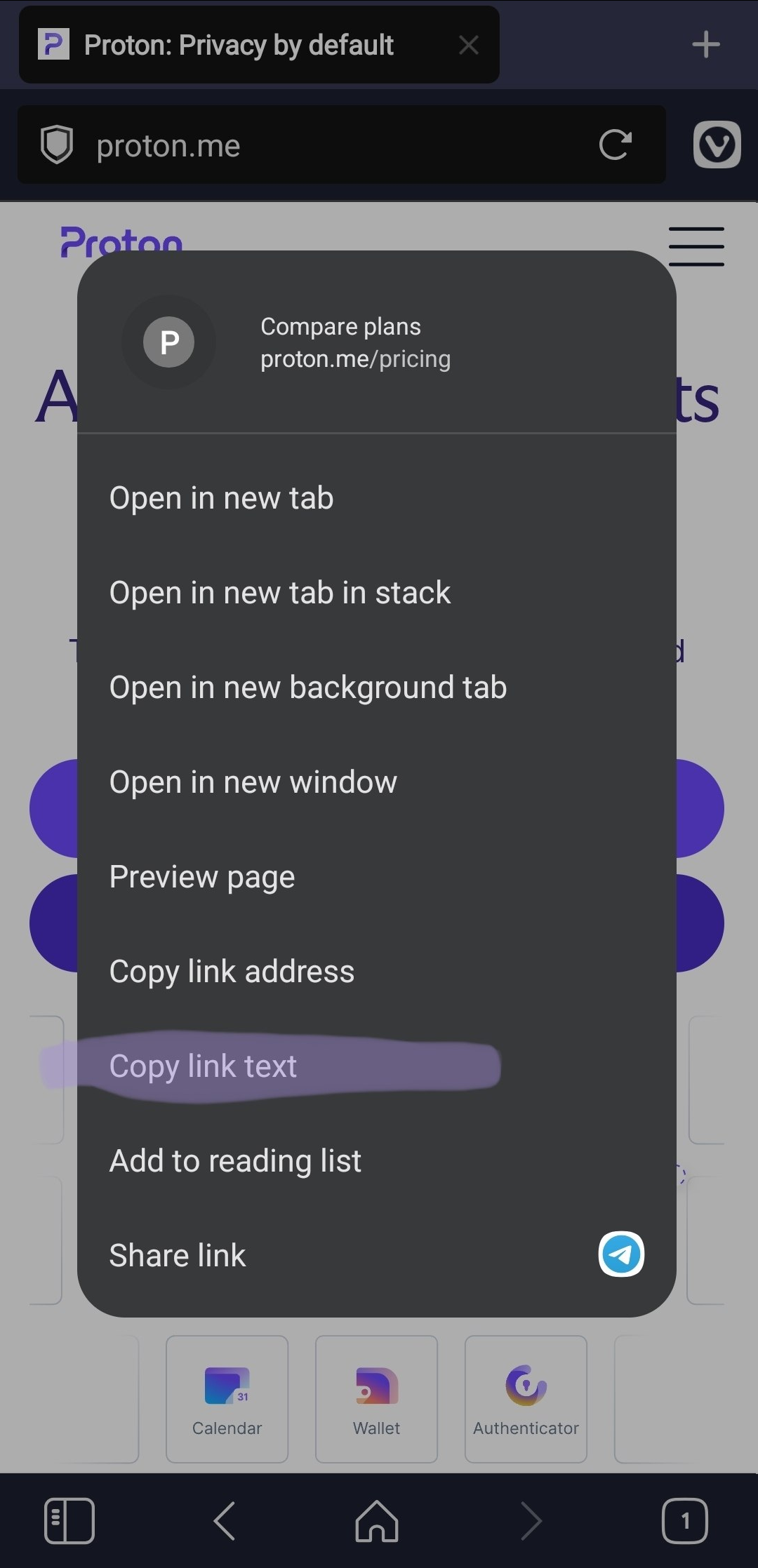
Add an option to copy link text
Add an option to copy the visible text of a link when right-clicking it.
This is useful because selecting anchor link is difficult or impossible.
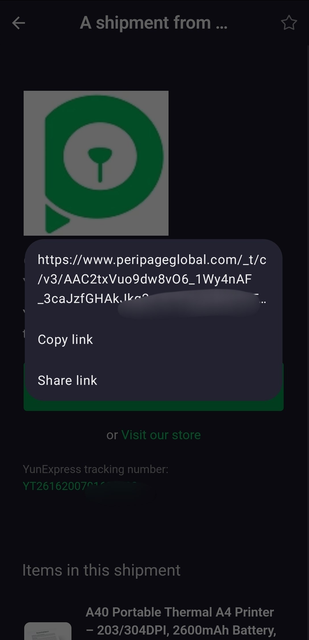
Real behavior https://i.ibb.co/fV1YWBx8/image.png
Expected behavior https://i.ibb.co/qL6ZRHrT/image.png5 votes -
Bulk import/export of sieve filters
As a power-user I have extensive Sieve scripts that are split up into domains of functionality so that it is easier to manage and so that I can run smaller pieces of the larger filter set against my existing mailbox if that is necessary without it needing to run the whole filter.
I also keep them in version control and have a suite of tests that I run against them when making changes. When I'm done with implementing something new it is really frustrating to have to go to each one individually, copy the contents and paste them into the…
5 votes -
Option to remove mail counter in conversation view
The current view of emails in the inbox shows a small counter of emails in the conversation like this:
[5] subject of the message
Allthough it is sometimes interesting to know how much emails a conversation has, most of the time this counter is visually distracting and creating too much noise for me.
It would be best to have an option for deactivating the counter.
Thanks and keep up the good work!
Martin5 votes -
Have two-way sync between Proton Calendar and Vivaldi browser's calendar function.
I have grown accustomed to using Proton Mail in Vivaldi browser (thank you for finally allowing this!) but I still lack the ability to have a two-way sync between my Proton Calendar and Vivaldi's calendar function. It would be great to have the ability to do this. Vivaldi is so much better than Thunderbird in my view.
5 votes -
Add Proton Email and Calendar to n8n.io
Started AI course, all exercises connect to various calendars & email systems, but no Proton option, please add Email and Calendar to n8n.io so can include my Proton calendar / email rather than being forced to use GMAIL / GCAL etc.
5 votes -
Enable indenting of text
Indenting of text is a basic feature and its disturbing the protomail does not have it.
5 votes -
Proton Calendar - Allow users to have custom colours (=> using HEX or OKLCH or CMYK)
Same request by many other users, but I am still adding this post ... to show to Proton that WE, the users (paying or not), have enough of the poor selection of 20 more or less ugly colours Proton, and WE DEMAND to have what so many have been asking FOR YEARS now: customisation of the colours for our events/tasks;
It should not even be difficult from a coding point of view, using HEX or OKLCH or CMYK - in case you see HEX as a security issue - would allow to sync the changes over the different apps.
Can…
5 votes -
CHOOSE WHICH EMAIL ADDRESSESS ARE ABLE TO LOGIN
additional emails:
Please allow to choose which of the email addresses are usable to login to the account.
This way, the user can keep the login email totally secret, and the "public" ones impossible to try to use to login.
5 votes -
Drag a calendar item to make it longer (not just move it from one time to another)
In Outlook and iCal, you can go to the bottom of an event and drag it down to extend the length of the event without opening it. It saves a lot of clicks when you know something is just going to go longer or it's a work-block you want to extend. Not a huge game changer but saves little clicks.
5 votes -
Allow for Adding Custom Proton Meet Links to a Calendar Events
It doesn't appear that users can edit a calendar event with a Proton Meet link that is not auto-generated. I am never the host for meetings and due to privacy concerns we do not share emails or send calendar invites. It would be nice to have the built-in Proton Meet Conferencing option support manually adding links.
5 votes -
bookings offering multiple locations
i would like to have multiple locations for a single booking. right now, i have 5 different booking pages bc i have 5 different meeting locations.
5 votes
- Don't see your idea?